 Creator Prompt
Your words.
Ready to record.
Prepare your next video, rehearse at your pace, and record when you are ready. Your script, teleprompter, camera, and takes together.
Coming to iPhone and iPad · iOS/iPadOS 18 or later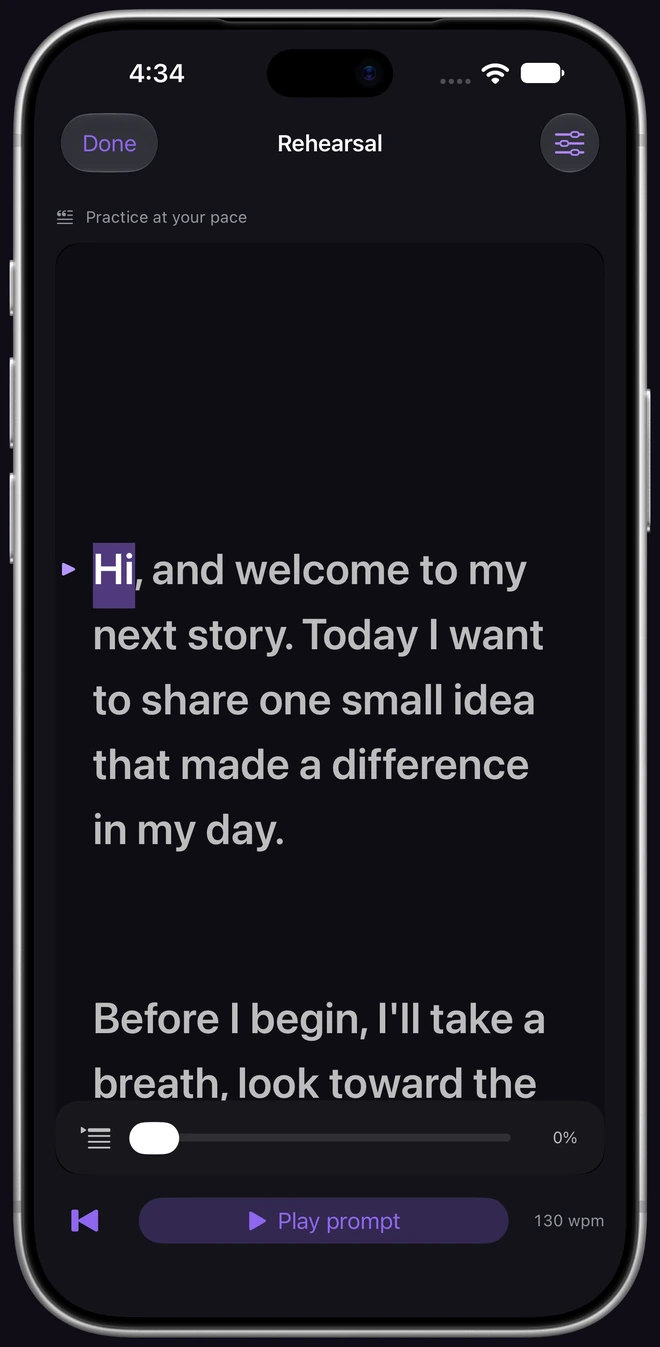
Prepare
Create projects with autosave. Import or export UTF-8 text scripts.
Rehearse
Adjust speed, text size, line spacing, and mirroring. No camera permission needed.
Record and review
Use the front or rear camera, review your takes, and share the original video.
From first words to the final take
Meet your next recording session.
Watch the complete workflow: prepare a script, rehearse, record, review, compare, and export.
25 seconds · Instrumental music · No spoken dialogue
Camera and recordings shown are simulated. Two-take comparison requires Lifetime Pro.
Read the video description
In Creator Prompt on iPhone, a short introduction is added to a script. The teleprompter highlights words as the script advances. The recording studio shows a simulated camera beside the prompt, with an active recording timer. A take plays in the review screen and its preferred state is shown. Two takes are compared using the native selector; this feature requires Lifetime Pro. The original recording is opened in the system share sheet. The complete iPhone body remains visible throughout. Camera footage and saved takes in this demonstration are simulated.
A closer look
Your studio, on every screen.
Explore the same six steps on iPhone, iPhone Duo, and iPad. Every screenshot shows the complete app composition.
Select an image to take a closer look. Swipe through the collection on smaller screens.
Camera and recordings shown are simulated.
Creator Prompt on iPhone
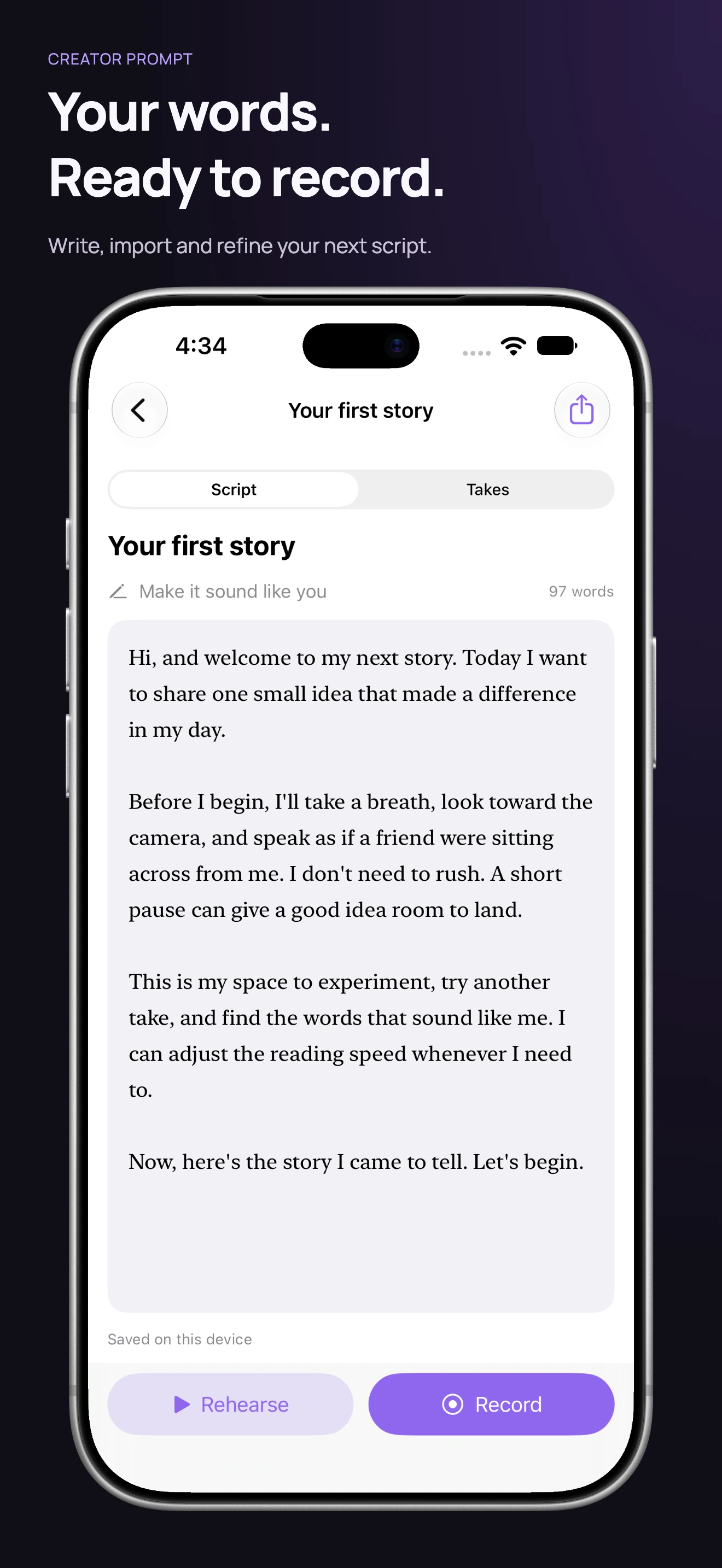
Start with your script.
Write, edit, and keep your projects together.
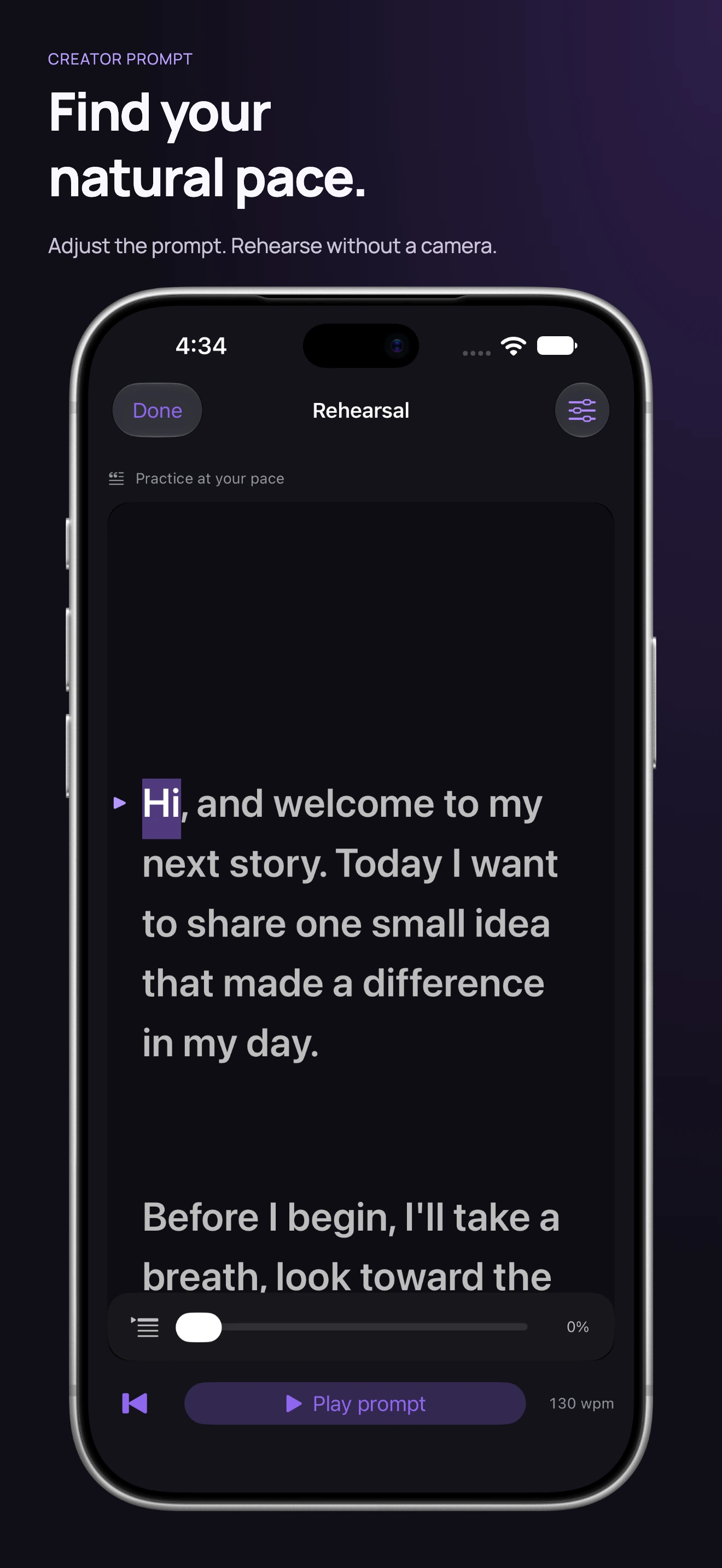
Read at your pace.
Settle into your words before the camera starts.
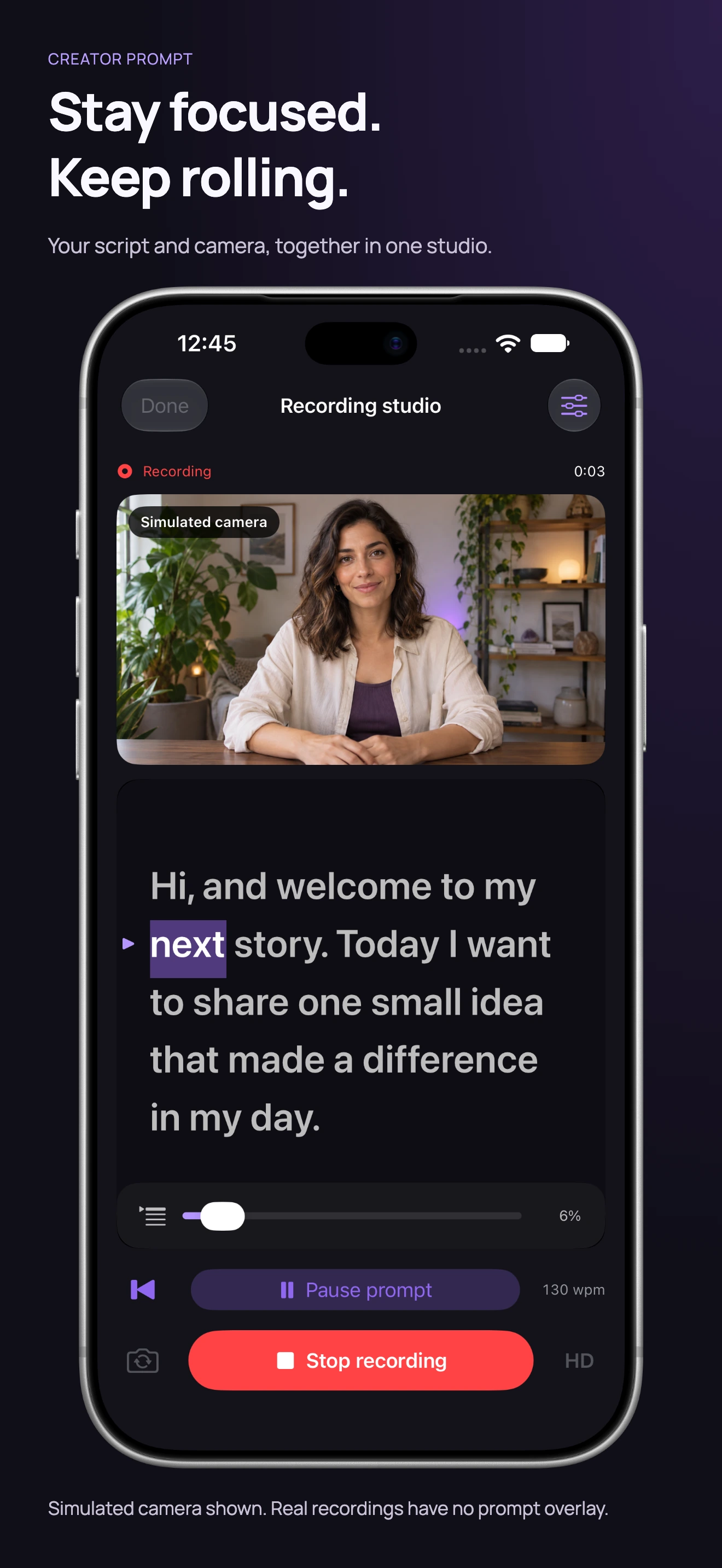
Stay focused. Keep rolling.
Keep your script close while recording.
Simulated camera and recordings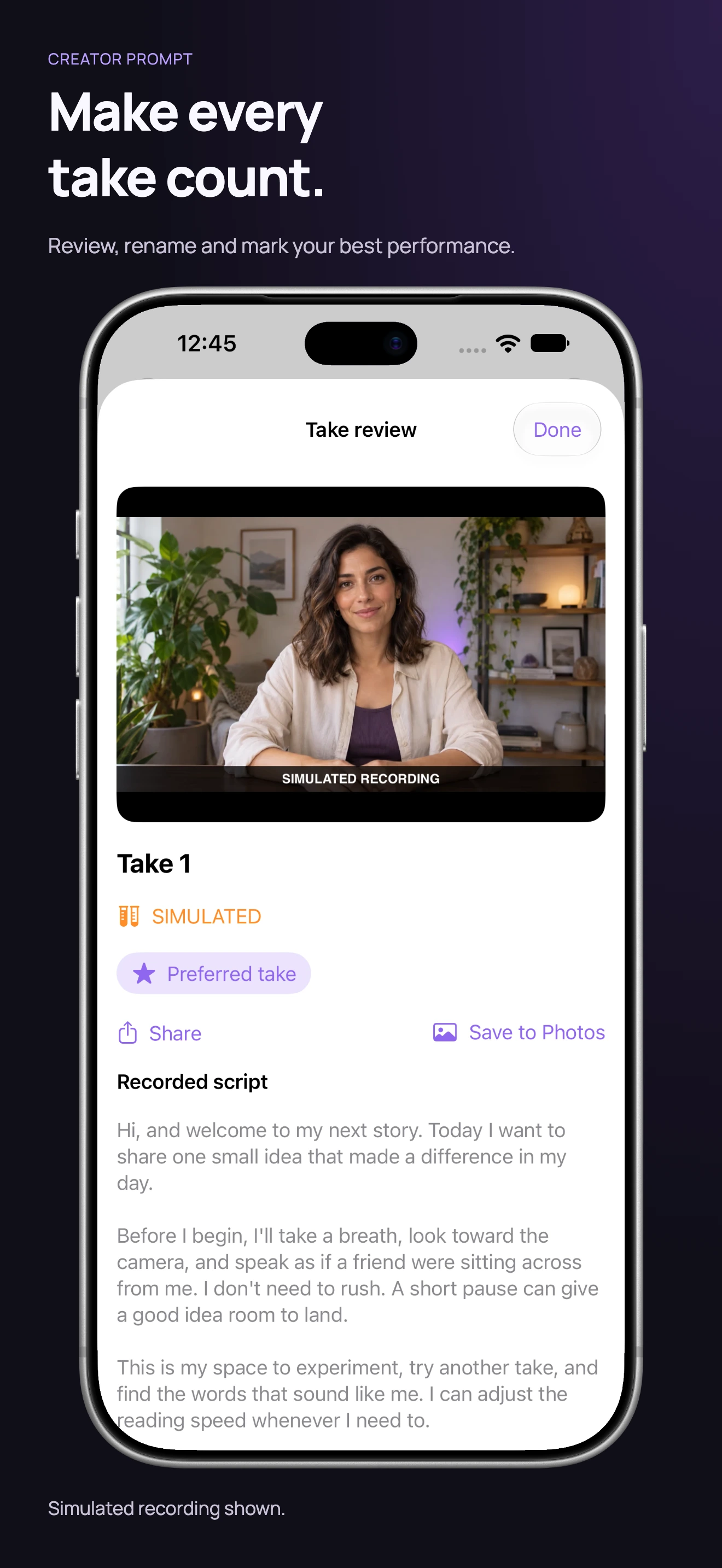
Find your favorite take.
Play it back, then keep your best performance.
Simulated camera and recordings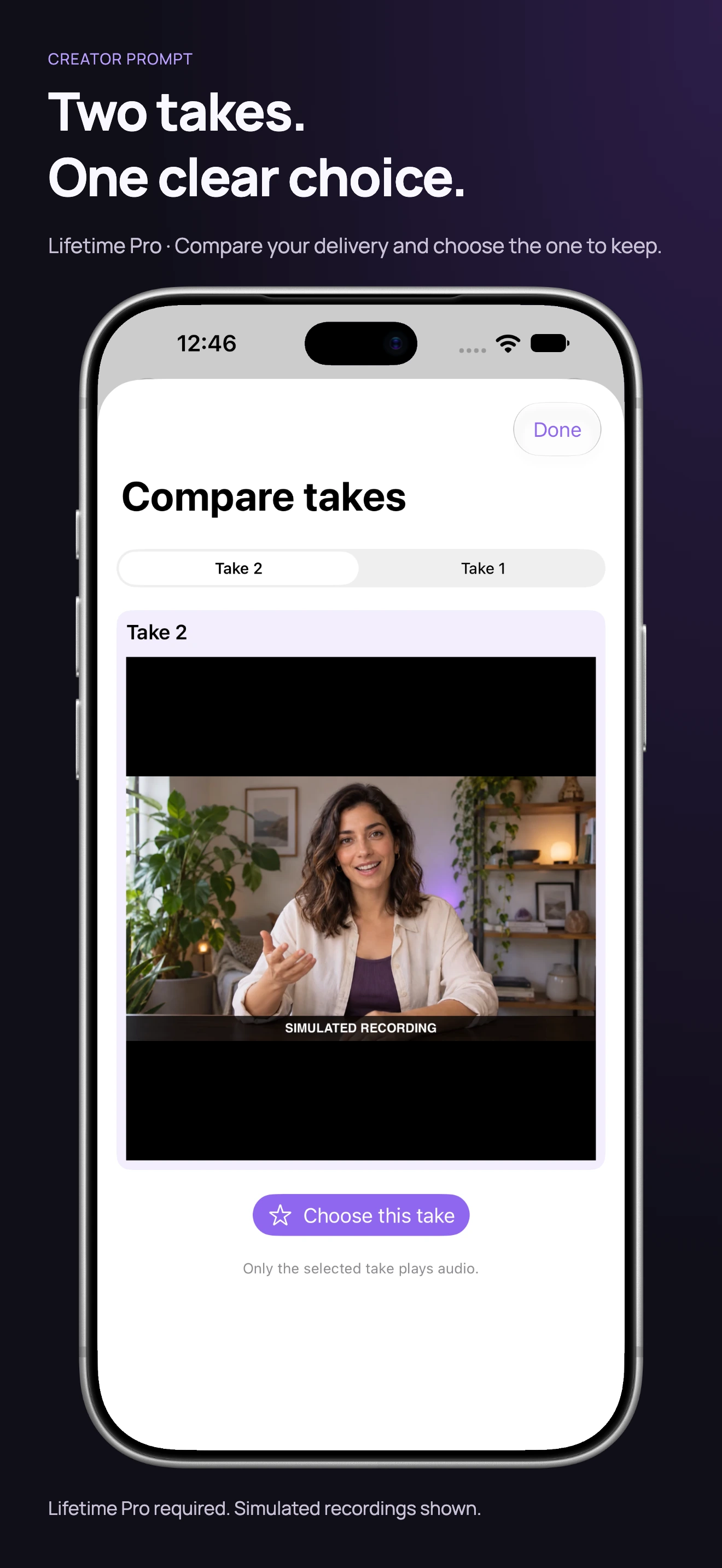
Compare two takes.
Choose between two performances with Lifetime Pro.
Requires Lifetime ProSimulated camera and recordings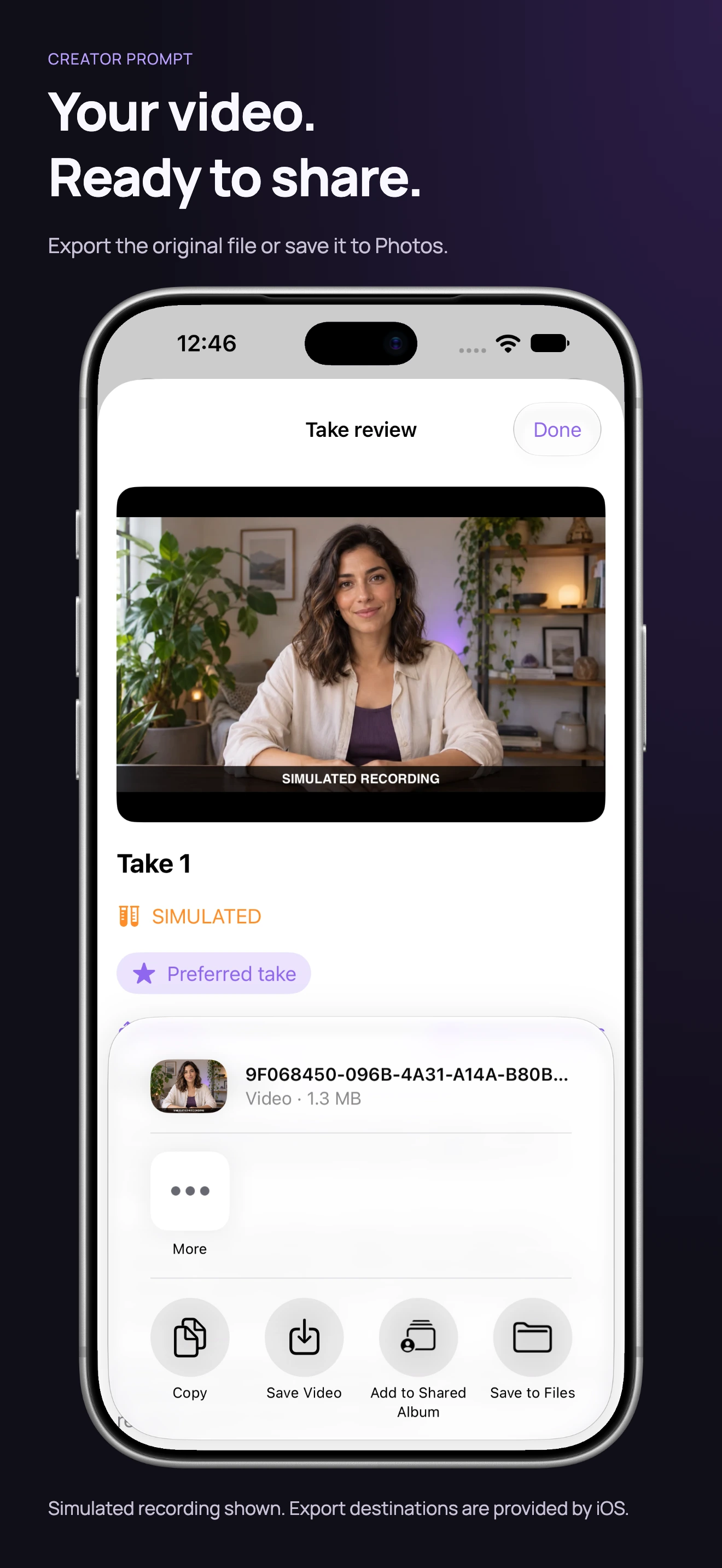
Share your original video.
Export a clean recording through the system share sheet.
Simulated camera and recordingsCreator Prompt on iPhone Duo
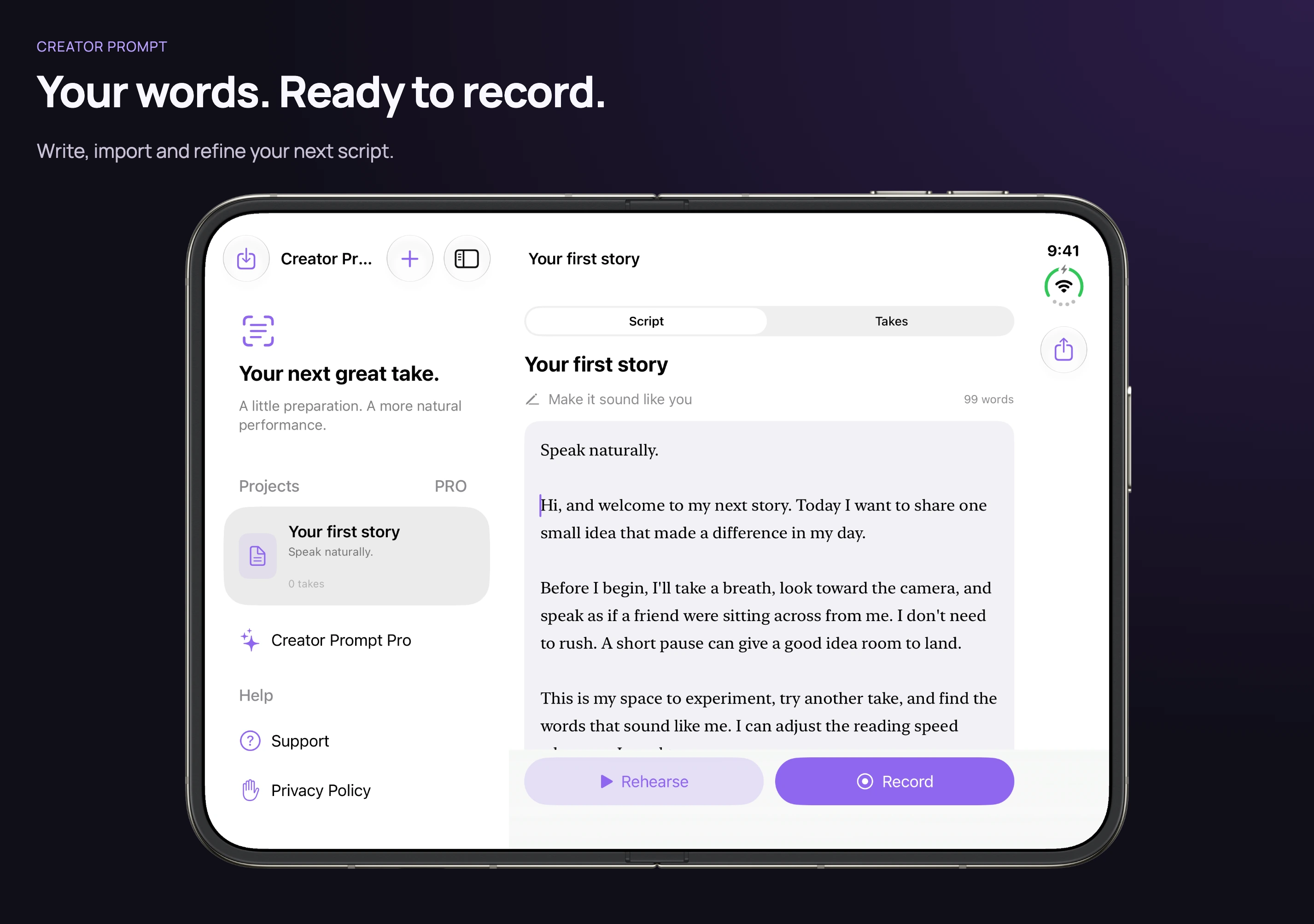
Start with your script.
Write, edit, and keep your projects together.
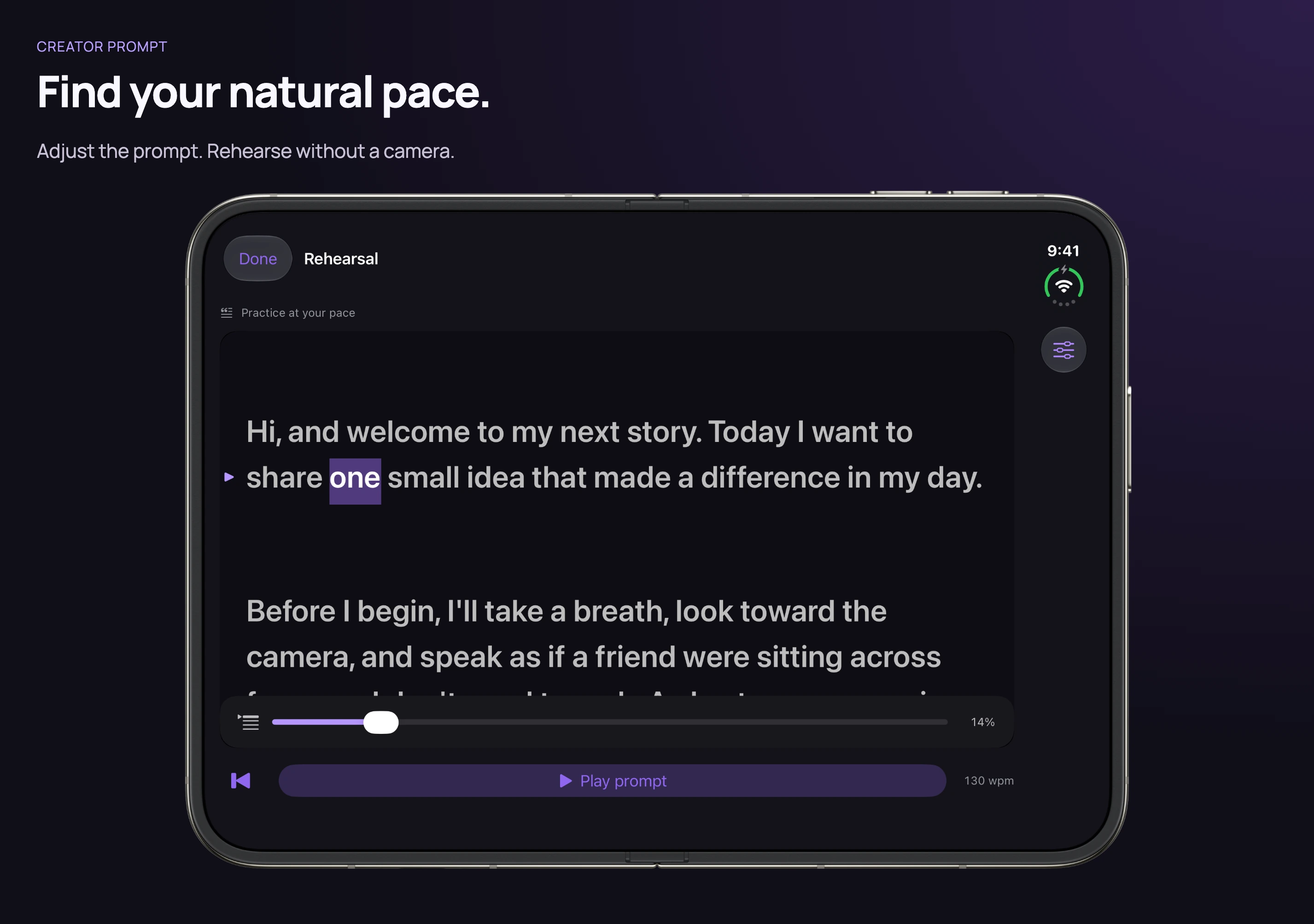
Read at your pace.
Settle into your words before the camera starts.
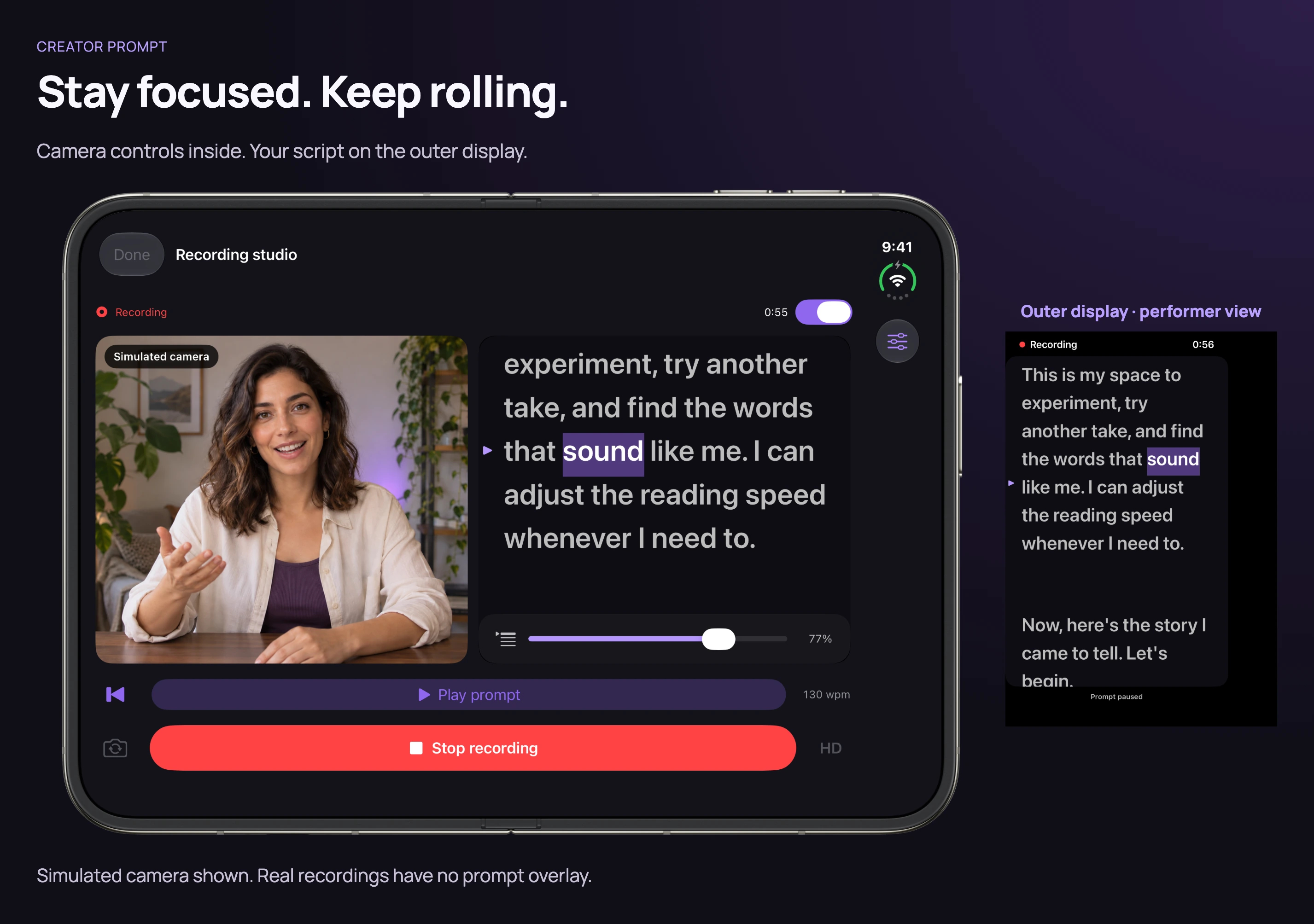
Stay focused. Keep rolling.
Keep your script close while recording.
Simulated camera and recordings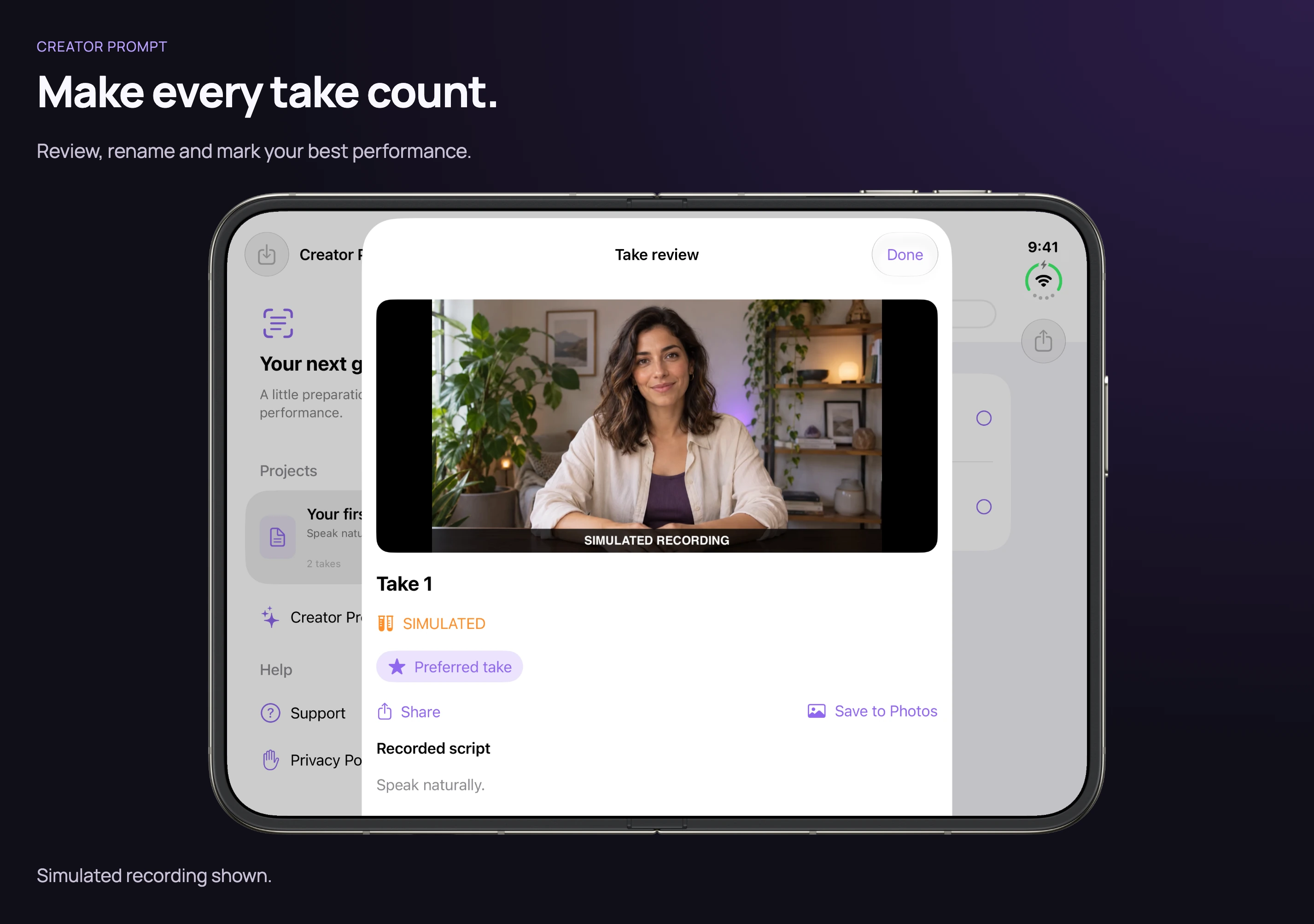
Find your favorite take.
Play it back, then keep your best performance.
Simulated camera and recordings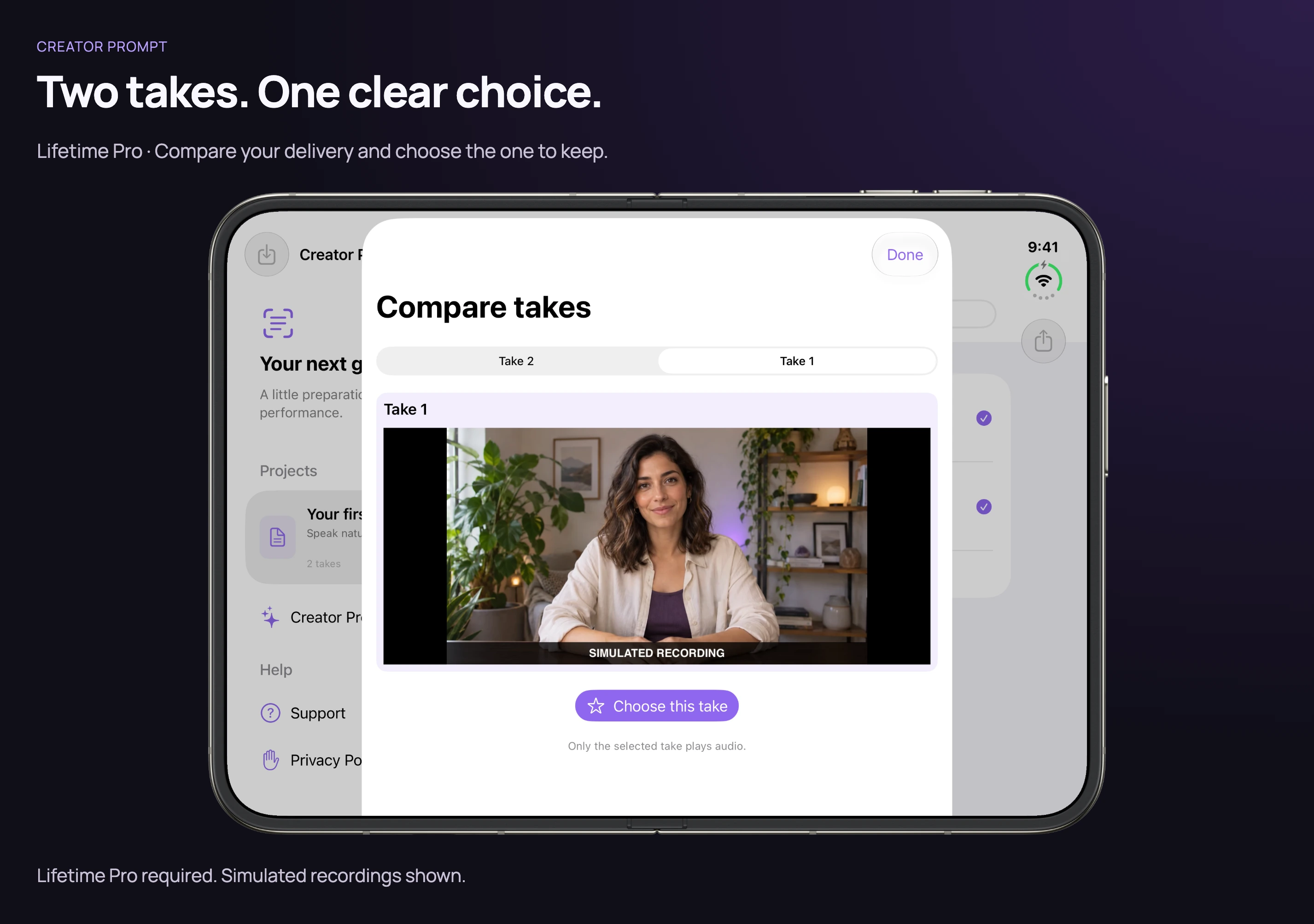
Compare two takes.
Choose between two performances with Lifetime Pro.
Requires Lifetime ProSimulated camera and recordings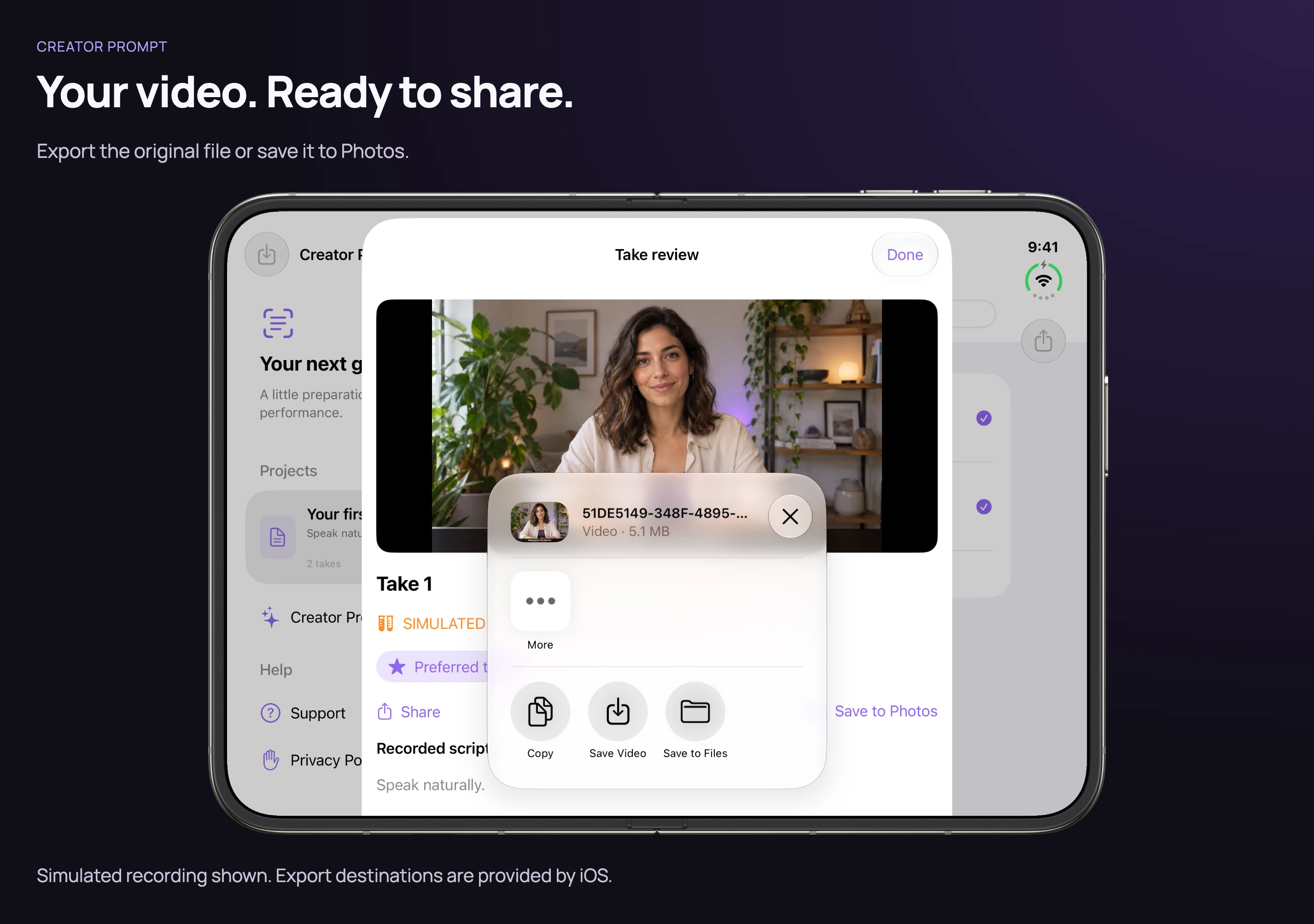
Share your original video.
Export a clean recording through the system share sheet.
Simulated camera and recordingsCreator Prompt on iPad
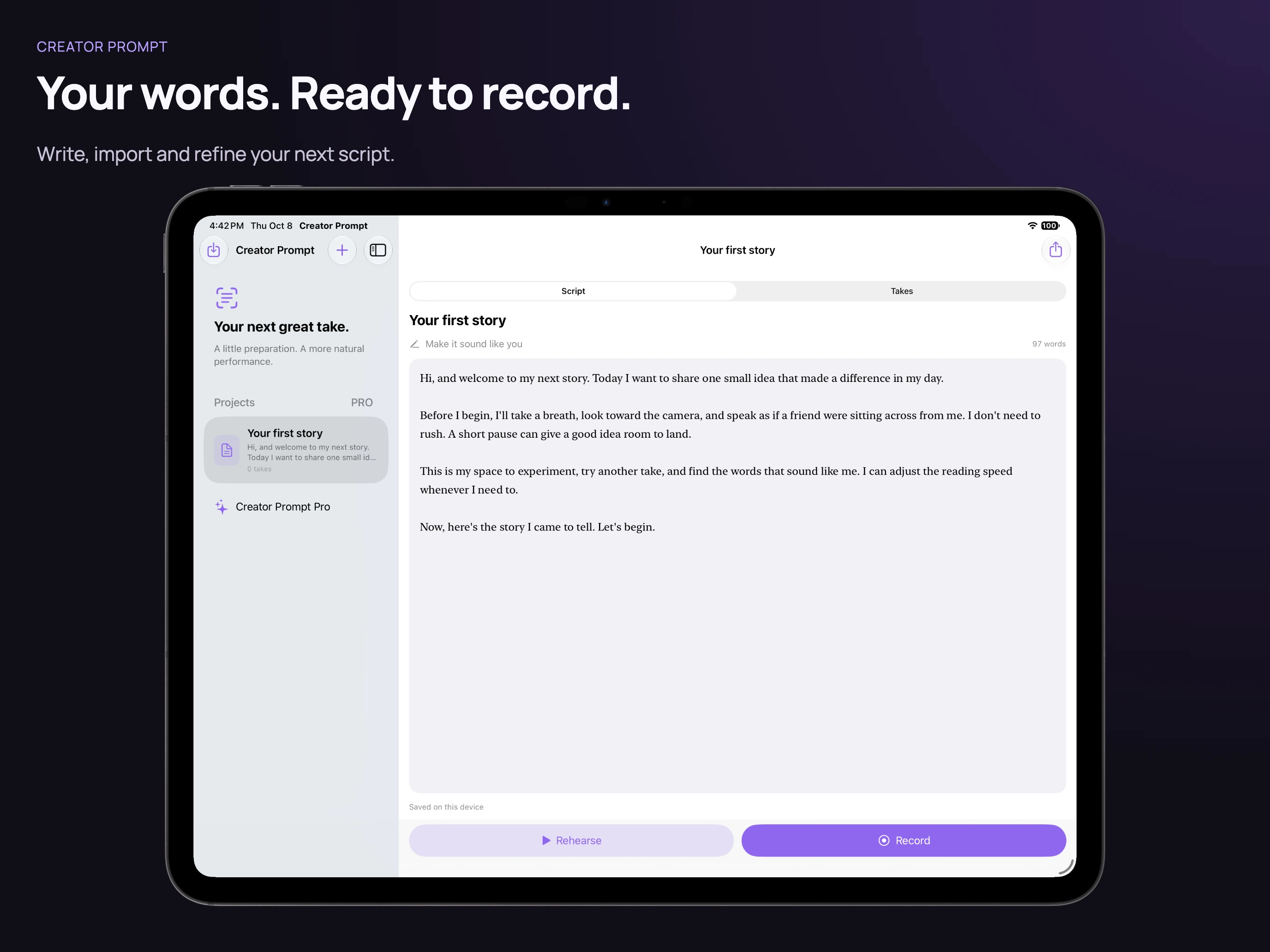
Start with your script.
Write, edit, and keep your projects together.
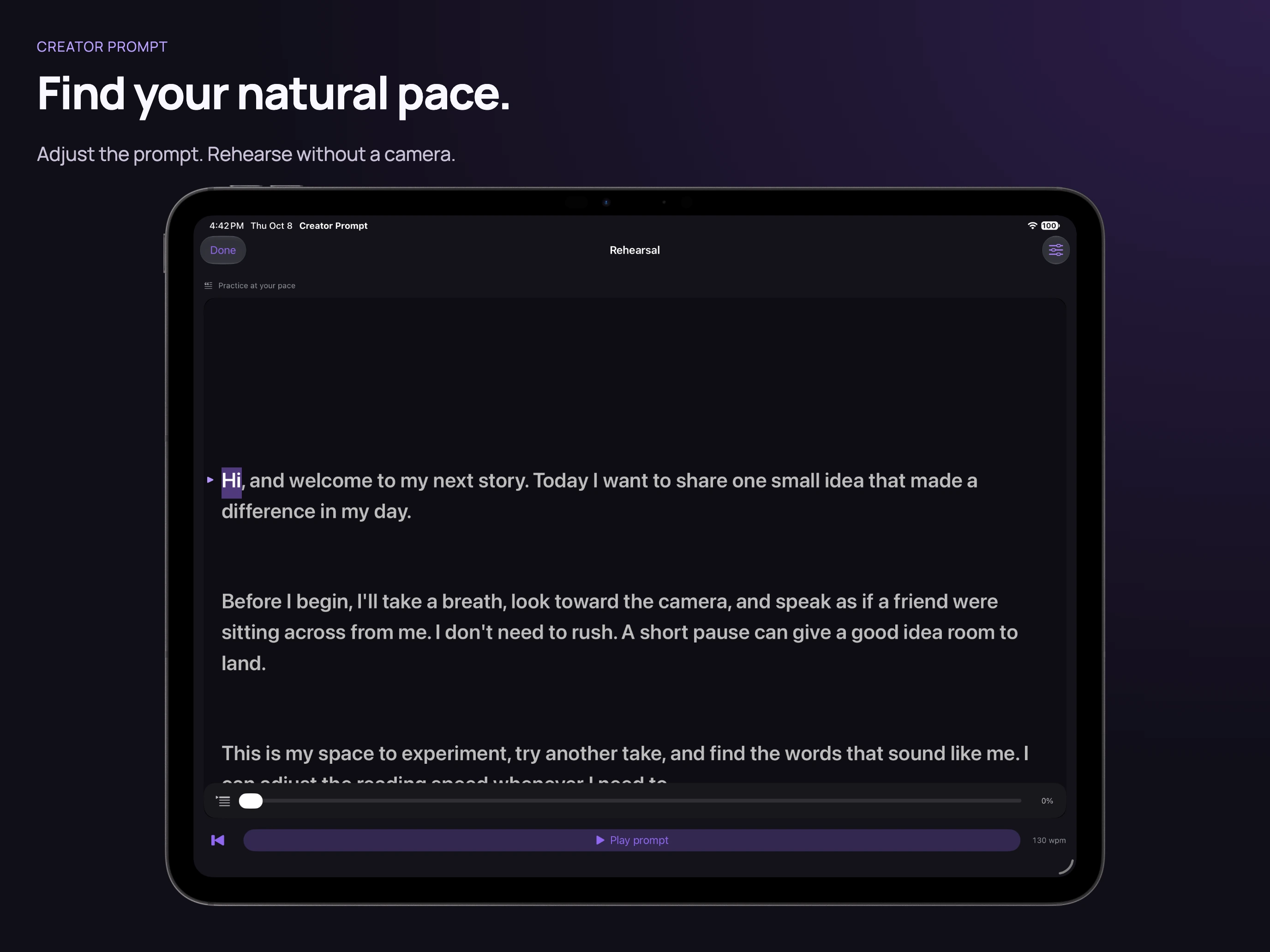
Read at your pace.
Settle into your words before the camera starts.
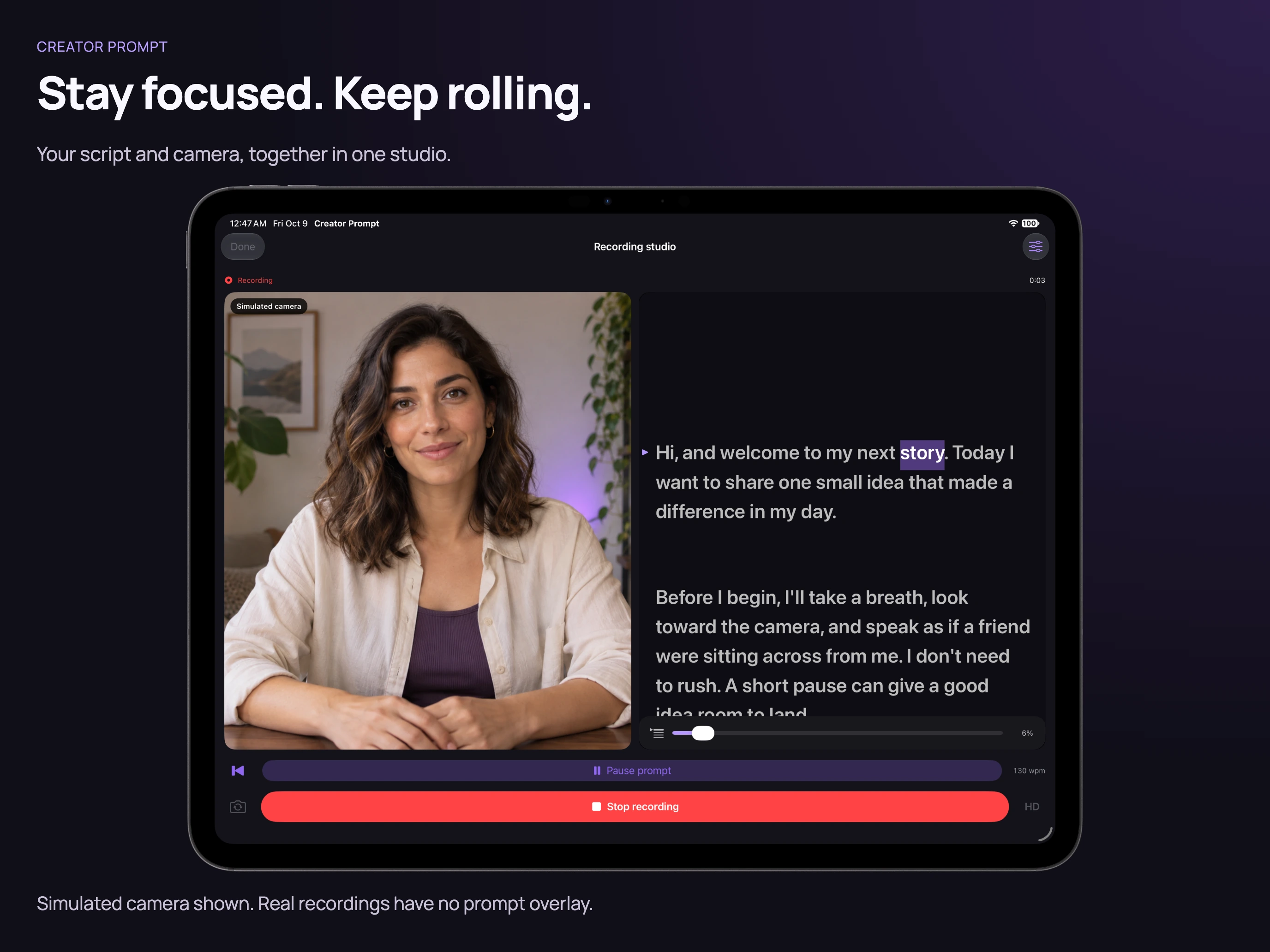
Stay focused. Keep rolling.
Keep your script close while recording.
Simulated camera and recordings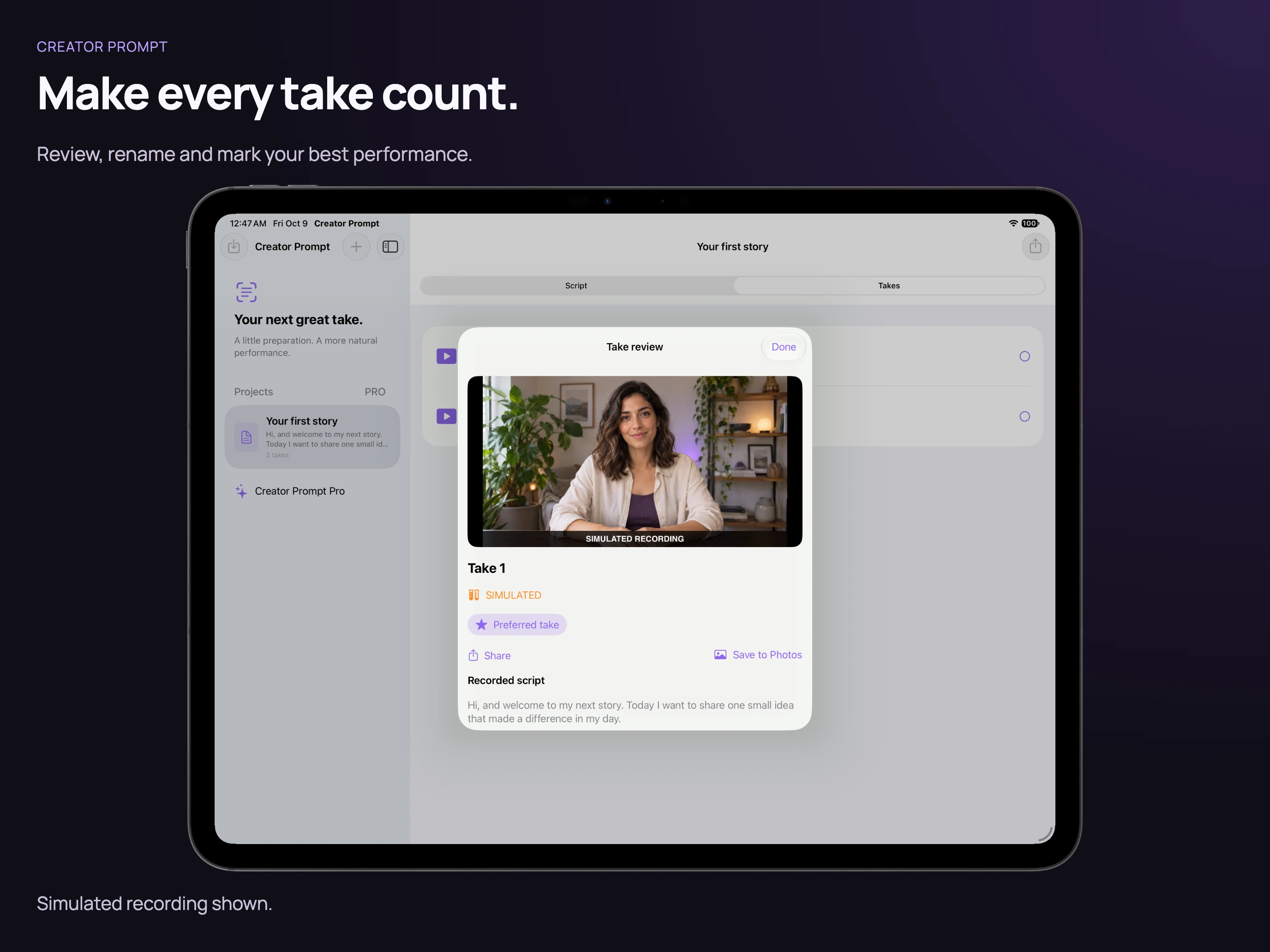
Find your favorite take.
Play it back, then keep your best performance.
Simulated camera and recordings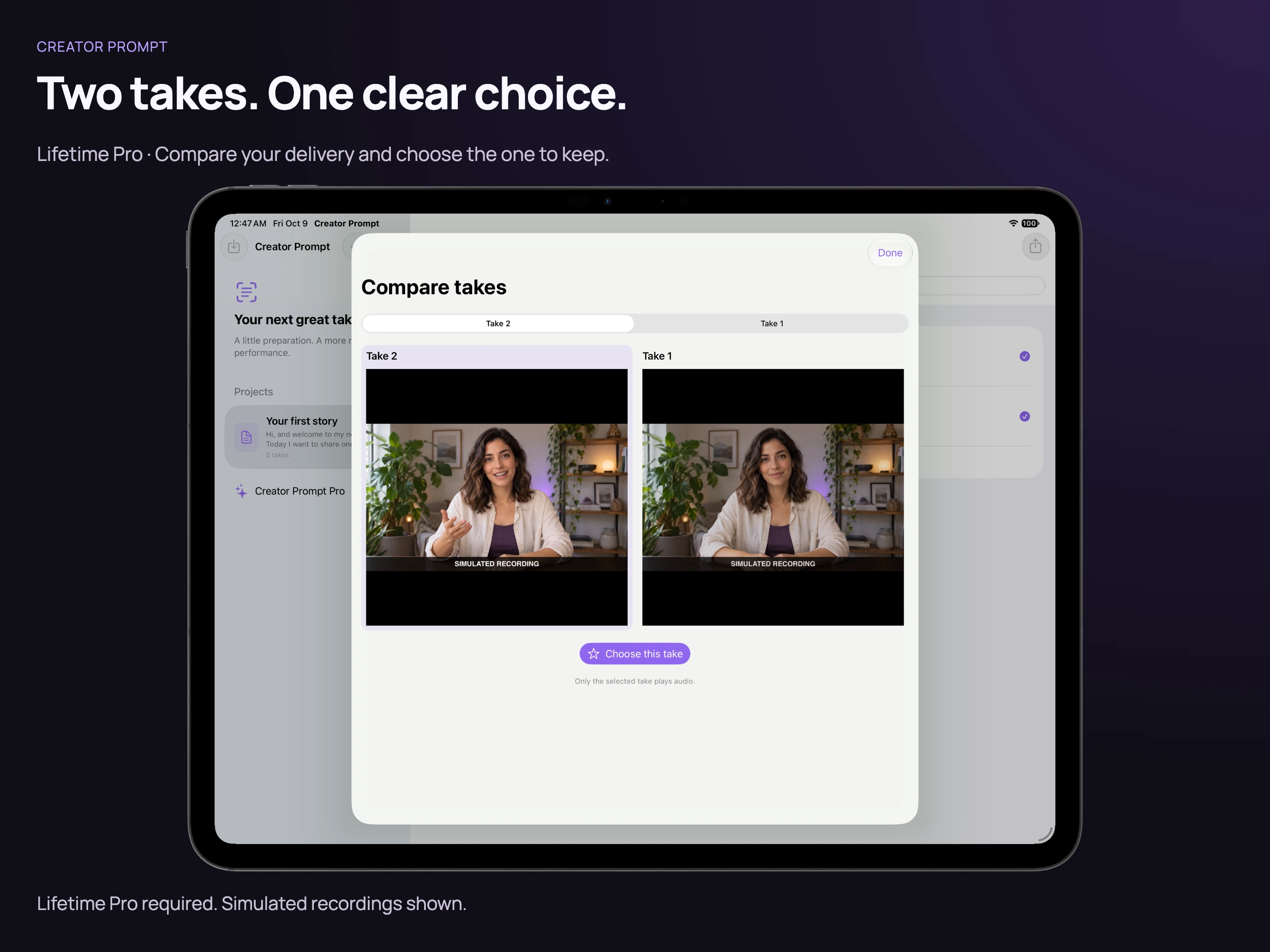
Compare two takes.
Choose between two performances with Lifetime Pro.
Requires Lifetime ProSimulated camera and recordings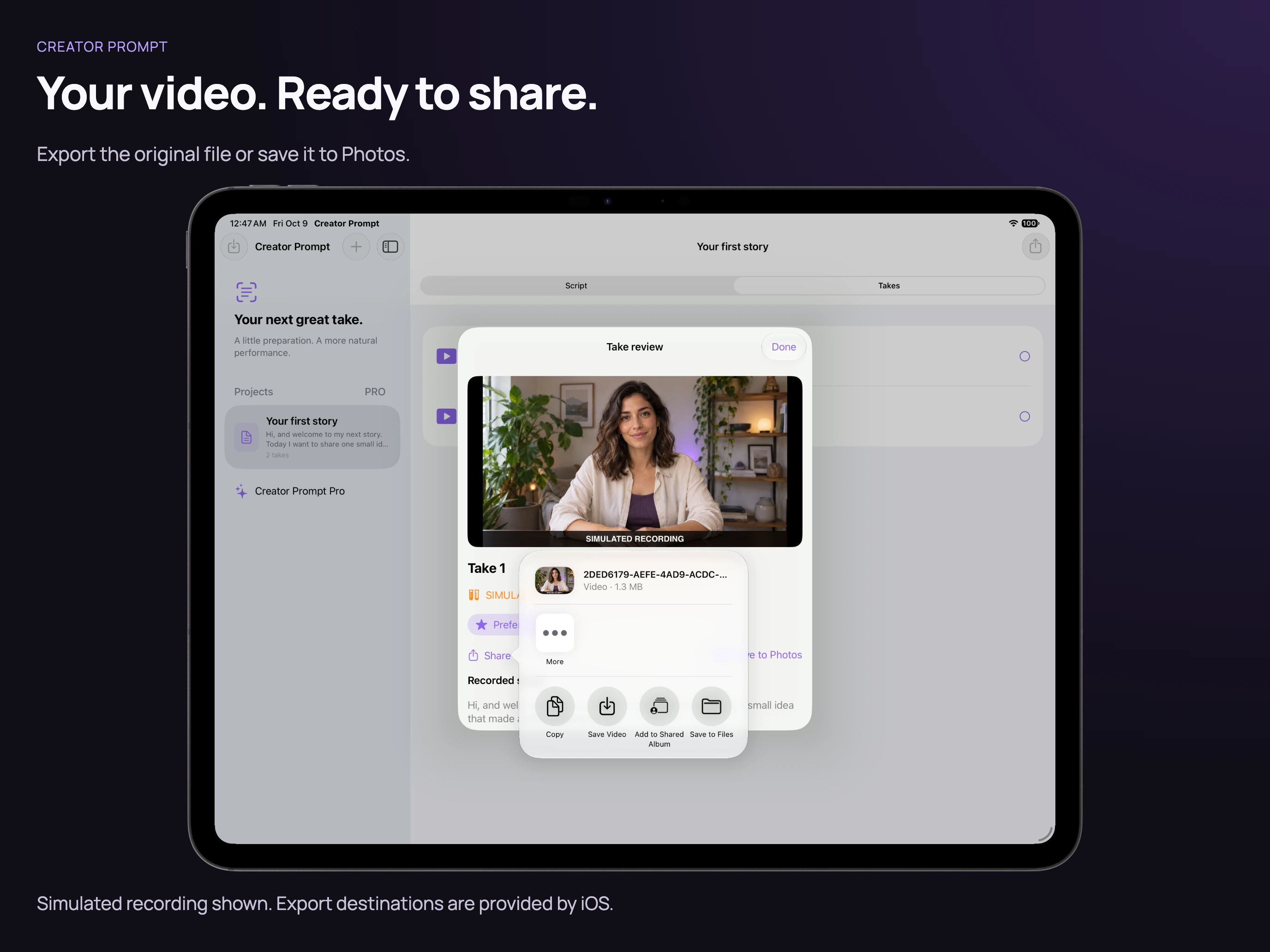
Share your original video.
Export a clean recording through the system share sheet.
Simulated camera and recordingsStart free
Three saved projects, unlimited takes, basic prompting, and clean 1080p recording and export.
Lifetime Pro
One optional purchase adds unlimited projects, saved prompt presets, two-take comparison, and 4K/30 fps on supported cameras. No subscription. The App Store shows your local price before purchase.
No account, advertising, or app-managed cloud sync. Scripts and recordings stay on your device; you choose what to export.